Best Shopify Apps to Push Down Out-of-Stock Products (2026)
By Thomas Vu · Published
Shopify has no setting that moves sold-out products to the bottom of a collection. A best seller that sells out keeps its spot at the top, where shoppers see it first and can't buy it. Push-down apps fix that: when a product sells out, the app moves it to the end of each collection, and when it's restocked, the app moves it back.
There are dozens of these apps on the Shopify App Store, and most look the same from their listings. We compared eight of them on what actually differs: price at your catalog size, whether changes happen in real time, how the app rebuilds your sort order, and what else it does.
Disclosure: we make Redsun: Out of Stock Manager, one of the apps below. We've listed it first and said where it fits, and where another app is the better choice. Every rating, review count, price and feature comes from each app's Shopify App Store listing on October 17, 2026, including its banner images. The one exception is Redsun's sort options, which come from our own documentation and admin screen. Check the listing before you install, because prices change.
Key takeaways
- Best for large catalogs on a budget: Redsun: Out of Stock Manager, at $7.99 a month for 10,000 products and 300 collections, the cheapest at that size. It's rated 5.0 out of 5 and works in real time on every plan, including the free one.
- Most reviewed: MB Push Down Hide Out of Stock, rated 4.7 from 156 reviews, with real-time push down from its free plan.
- Push down plus back-in-stock emails: StockIQ, rated 4.9 from 136 reviews, which adds a Notify Me form and waitlist reports.
- Free for a few big collections: Sink, which pushes down in 5 collections with no product limit on its free plan.
- Up to 1,000 products and only need push down: PushLast, at $3.99 a month.
- Whatever you pick, check the sort order. Shopify only lets apps reorder manually sorted collections, so a push-down app has to rebuild the order you had.
Quick picks
If you want | Pick | Why | |
|---|---|---|---|
The lowest price for a big catalog | Redsun: Out of Stock Manager | $7.99/month for 10,000 products, 5.0 rating, real time on every plan | |
The most reviews | MB Push Down Hide Out of Stock | 4.7 from 156 reviews, real-time on the free plan | |
Back-in-stock emails in the same app | StockIQ - Out-of-Stock Manager | Notify Me form, waitlist demand and stock reports | |
A free plan for big collections | Sink \ | Push Down Out of Stock | 5 collections free, unlimited products |
Rules by tag, schedule or date range | Hide Out Of Stock & Push Down | Advanced rules and tagging from the free plan | |
Hide sold-out sizes and colors | Nada • Hide Out of Stock | Hides sold-out variants, 60-day money-back guarantee | |
Push down only, never hide anything | Pushy \ | Push Down Out Of Stock | Never hides products and skips pre-order items |
The cheapest paid plan for a small store | PushLast Out of Stock Sold Out | $3.99/month for up to 1,000 products |
How push-down apps work, and what you give up
Push-down apps all run into the same rule: Shopify only lets apps reorder products in a collection that's sorted manually. Its developer documentation says the reorder API returns an error for "a non-manually sorted collection", moves up to 250 products per request, and runs as a background job (Shopify Admin API).
So when you turn on push down, an app that reorders products this way switches the collection to manual sort, puts the in-stock products first and the sold-out ones last, and keeps doing that as stock changes.
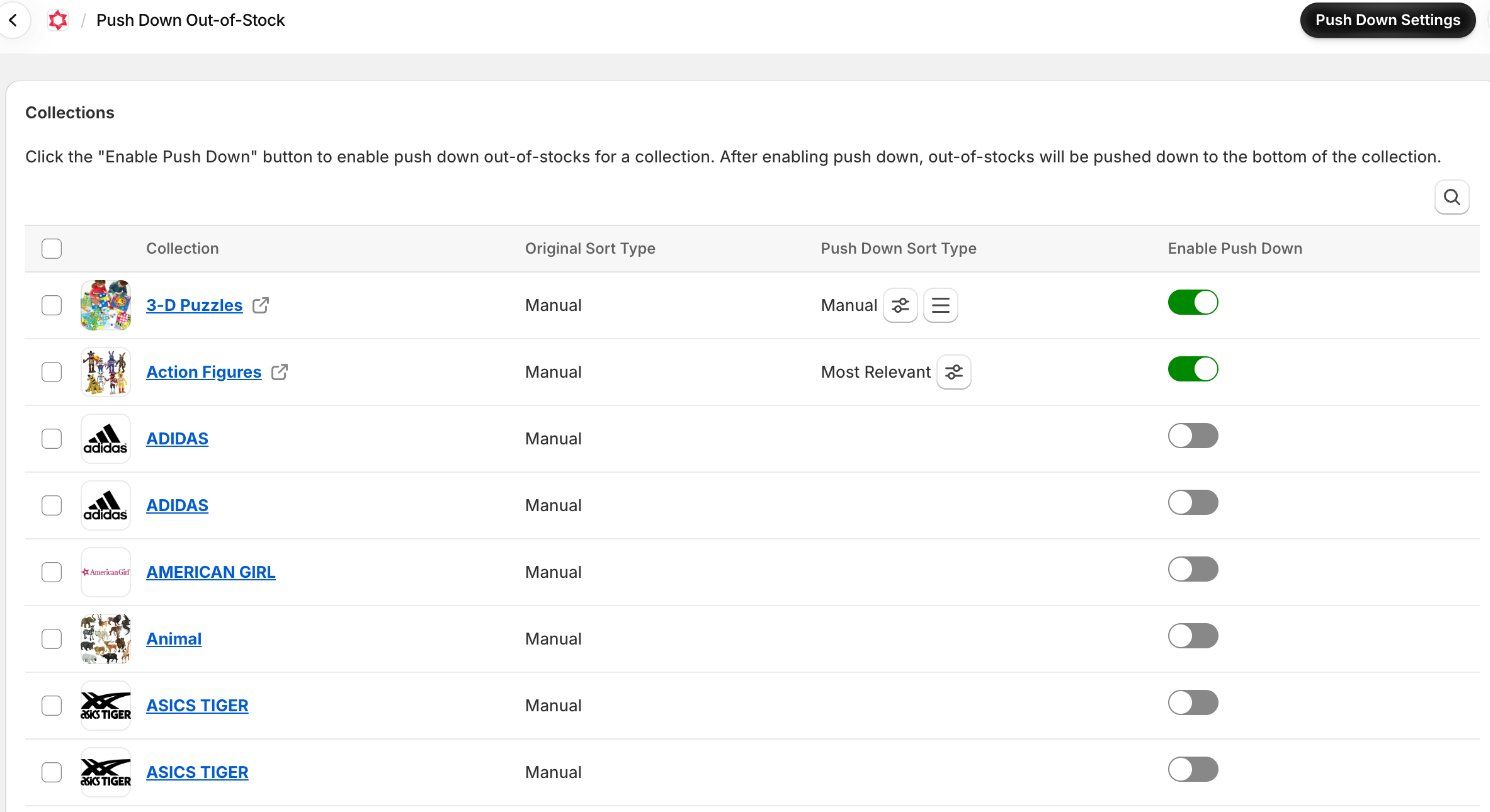
That has one big consequence: the collection stops using Shopify's own sort order. If the collection was set to Best selling or Shopify's newer Most relevant, the app has to recreate that order itself. A good push-down app lets you pick which order the in-stock products follow, for each collection. The listings vary a lot here, so the comparison table below includes what each one says about it.
Three other things to know before you choose:
- Large restocks take a moment. Because each request moves at most 250 products, a big restock in a collection of thousands needs several requests in a row.
- Turn push down off before you uninstall. Once an app is uninstalled, it can no longer change your collections, so they stay in manual sort. Turning push down off first, then checking each collection's sort order in your admin, avoids surprises.
- Hiding is a separate decision. Most of these apps can also hide sold-out products or redirect them. Hiding removes the page from your store, which affects Google and AI shopping, so decide it separately from push down.
What to compare before you install
The listings all promise the same thing, so compare these instead:
- Price at your catalog size. Most apps charge by the number of products, some by the number of collections. A plan that looks cheap can jump two tiers once you count every product, including drafts.
- Real time or scheduled. Most apps update collections as stock changes. On StockIQ's two cheapest plans, real time is a paid add-on.
- Sort rebuild. Which orders can the in-stock products follow: Best selling, Most relevant, price, date, or your own manual order?
- Variants and pre-orders. Does a product count as sold out when one size sells out, or only when every variant does? Are products that continue selling when out of stock left alone?
- Extras you'd otherwise pay for. Hiding, redirects, low-stock alerts and back-in-stock emails can each be a separate app.
What do push-down apps cost?
We priced every app for two typical stores: 1,000 products in 50 collections, and about 10,000 products in 200 collections. Each price is the cheapest monthly plan whose limits cover that store.
At 1,000 products, PushLast is the cheapest at $3.99, and the other seven land between $7.99 and $11.99. At 10,000 products the order changes: Redsun costs $7.99, PushLast $9.99, and the rest between $13.95 and $19.99. StockIQ's Platinum plan covers 9,999 products, so a store with exactly 10,000 would need the next plan up.
Five of the eight apps offer annual billing, which saves 11 to 25%. Free plans exist for six of the eight apps, but they're limited to small stores or a few collections, so treat them as a way to test.
The 8 best push-down apps for Shopify, compared
Ratings and review counts are as shown on each app's Shopify App Store listing on October 17, 2026.
1. Redsun: Out of Stock Manager
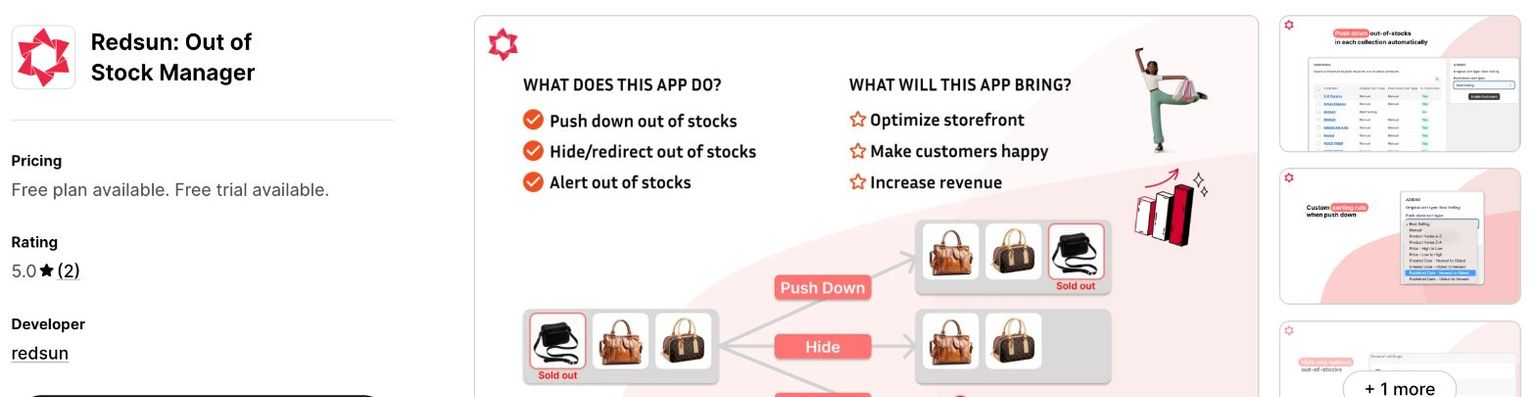
Best for: large catalogs that want push down, hiding and alerts at a low price.
Redsun pushes sold-out products to the bottom of each collection in real time and moves them back when they're restocked. You choose a push-down sort type per collection. Its documentation lists Best selling, product name, price, created date, published date and your own manual order, and the app's Push Down screen also offers Most relevant. None of the other seven listings mentions Most relevant, but we only checked their listings, not the apps themselves. The same app hides sold-out products, immediately or after a set number of days, redirects their URLs, and sends out-of-stock and low-stock alerts by email.
- Rating: 5.0 out of 5 on the Shopify App Store. Real-time updates on every plan, including the free one.
- Plans: Free for 50 products and 100 collections. Standard $3.99/month for 500 products, Advance $7.99/month for 10,000 products and 300 collections, Premium $15.99/month for 100,000 products and 5,000 collections. 14-day free trial; annual billing saves 25%. (Shopify App Store)
- Why it stands out: the lowest price at 10,000 products of any app here ($7.99, against $9.99 to $19.99 for the others), the longest free trial (14 days, tied with PushLast), the biggest annual discount (25%), and a Premium plan that covers 100,000 products and 5,000 collections for $15.99 a month.
Our Redsun: Out of Stock Manager guide walks through setup.
2. MB Push Down Hide Out of Stock
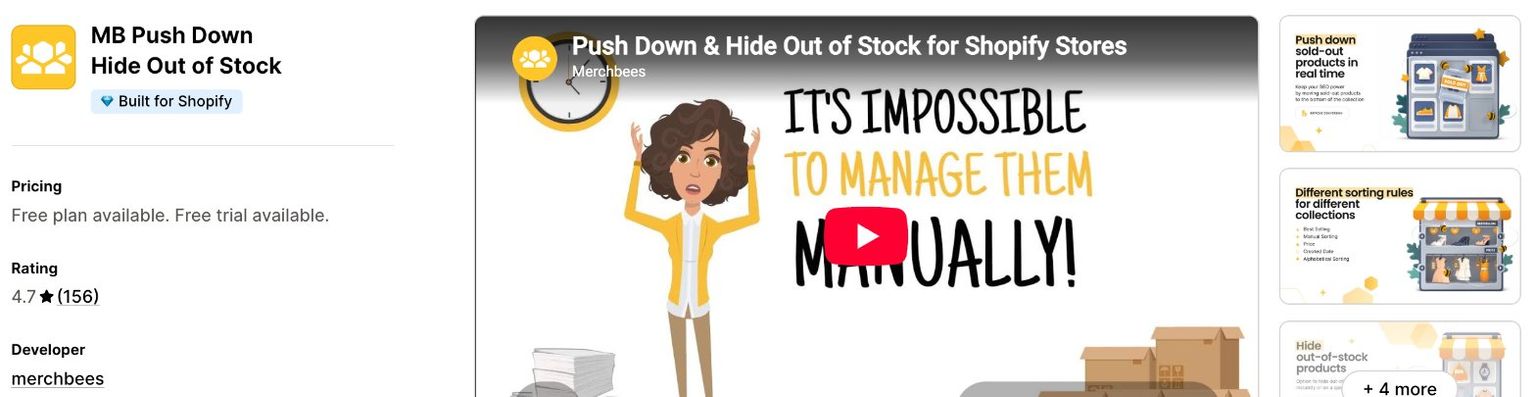
Best for: stores that want the most proven option.
MB, by merchbees, has the most reviews of any dedicated push-down app we looked at. It moves sold-out products to the bottom in real time and can sort the in-stock products by best selling, price, date or a manual order. It also hides sold-out variants or whole products, instantly or after a set number of days, can set products to Unlisted so their pages stay live, and redirects hidden products.
- Rating: 4.7 from 156 reviews. Built for Shopify. Launched December 2020.
- Plans: Free for 50 products and 100 collections. Basic $4.99/month for 500 products, Professional $8.99 for 5,000, Advanced $13.99 for 10,000 products and 300 collections. 3-day free trial. (Shopify App Store)
- Limits: plans below Advanced cap you at 100 collections.
3. StockIQ - Out-of-Stock Manager
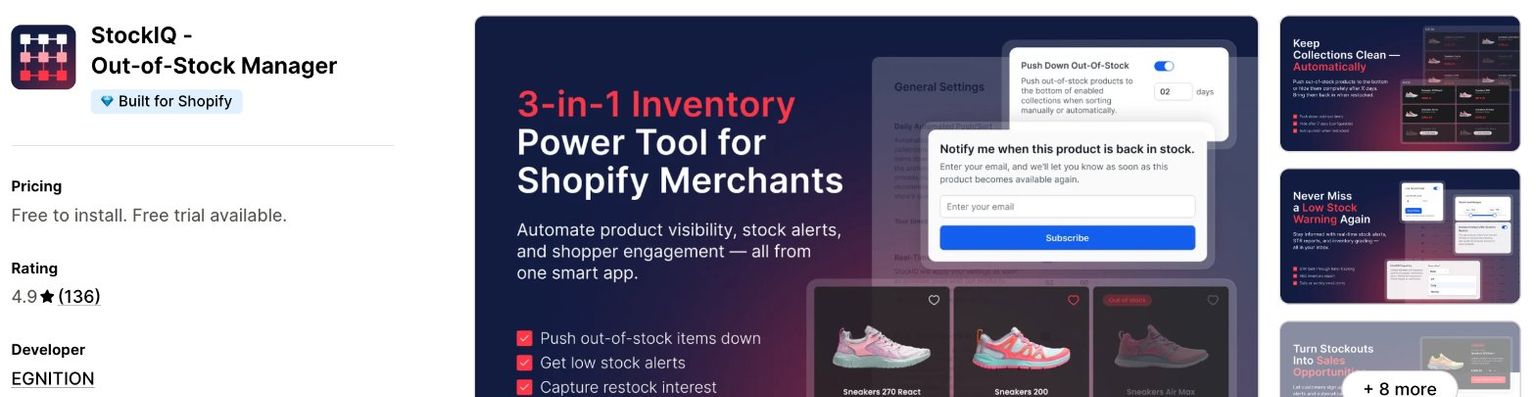
Best for: stores that also want back-in-stock emails.
StockIQ, by EGNITION, has been on the App Store since 2017. Besides pushing down or hiding sold-out products by collection, it adds a Notify Me form with a GDPR opt-in, sends back-in-stock alerts, and reports waitlist demand, so you can see which sold-out products people are waiting for. Its listing doesn't list sort options for in-stock products.
- Rating: 4.9 from 136 reviews. Built for Shopify. Launched July 2017.
- Plans: Bronze is free to install for up to 49 products. Silver $5.99/month for 499 products, Gold $11.99 for 4,999, Platinum $16.99 for 9,999 products and 300 collections. 7-day free trial. (Shopify App Store)
- Limits: real-time updates are a paid add-on on Bronze and Silver, and plans below Platinum cap you at 99 collections.
4. Sink | Push Down Out of Stock
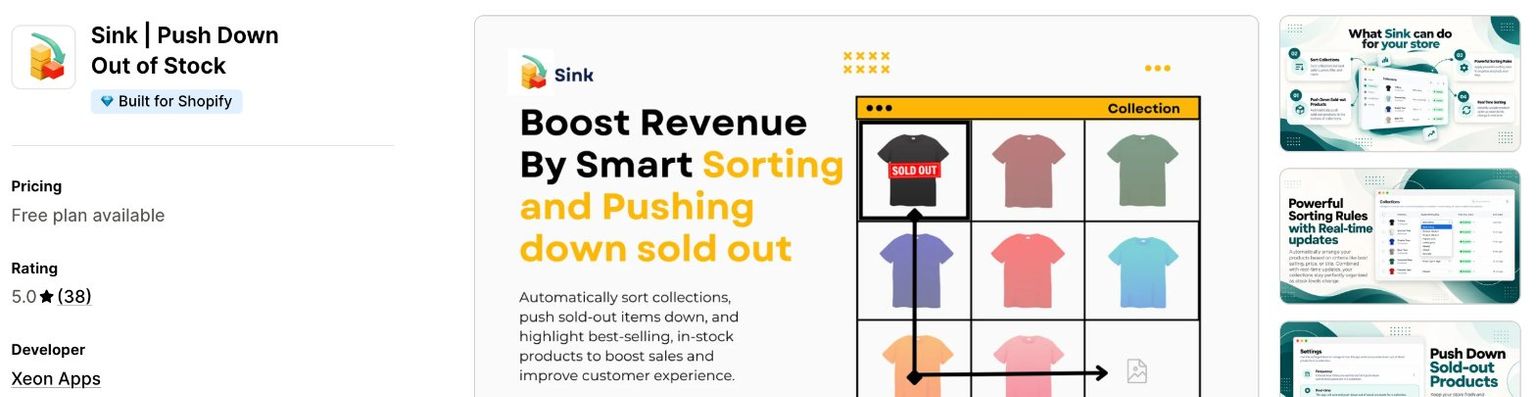
Best for: a few large collections on a free plan.
Sink, by Xeon Apps, prices by collection instead of by product. Its free plan pushes down in 5 collections with no product limit and up to 11,000 products per collection. It can sort in-stock products by best selling, title, price or a manual order, and it hides sold-out products or variants on demand.
- Rating: 5.0 from 38 reviews. Built for Shopify. Launched June 2025.
- Plans: Free for 5 collections. Basic $2.99/month for 25, Advance $7.99 for 100, Unlimited $19.99 for unlimited collections. (Shopify App Store)
- Limits: the newest app here. Automatic hiding in real time or on a schedule starts on the Advance plan.
5. Hide Out Of Stock & Push Down
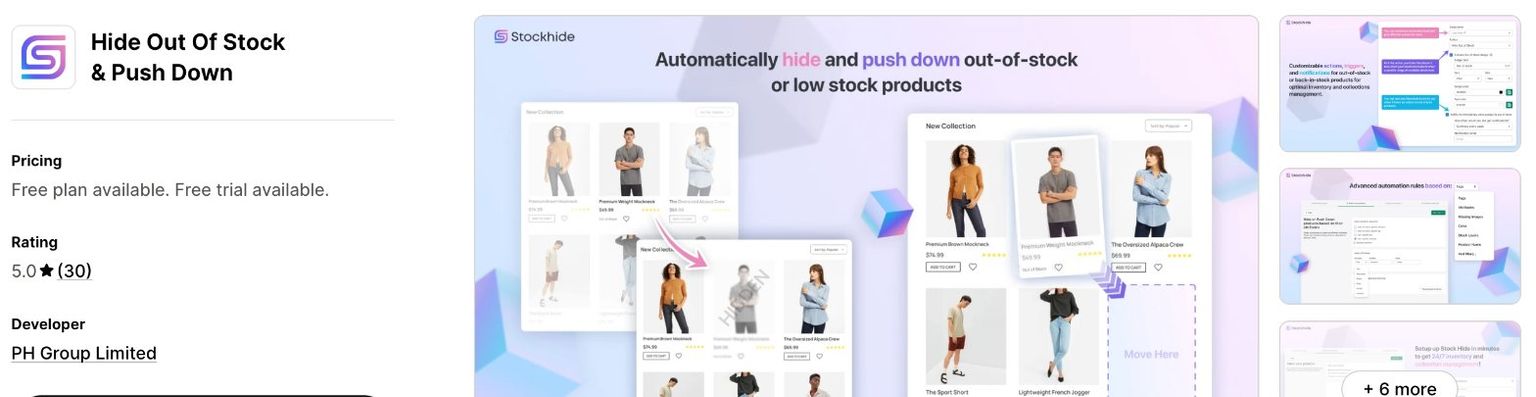
Best for: stores that want rules.
This app, by PH Group Limited, includes advanced rules, product tagging, redirects and stock alerts on every plan, including the free one. Collections can update in real time, on a schedule, during a date range or manually. The listing is silent on how in-stock products are ordered.
- Rating: 5.0 from 30 reviews. Launched December 2023.
- Plans: Free for 25 products and 50 collections. Starter $3.95/month for 500 products, Premium $8.95 for 1,000, Business $13.95 for 10,000 products and 500 collections. 5-day free trial. (Shopify App Store)
- Limits: the free plan's 25 products is the smallest here, and it doesn't have the Built for Shopify badge.
6. Nada • Hide Out of Stock
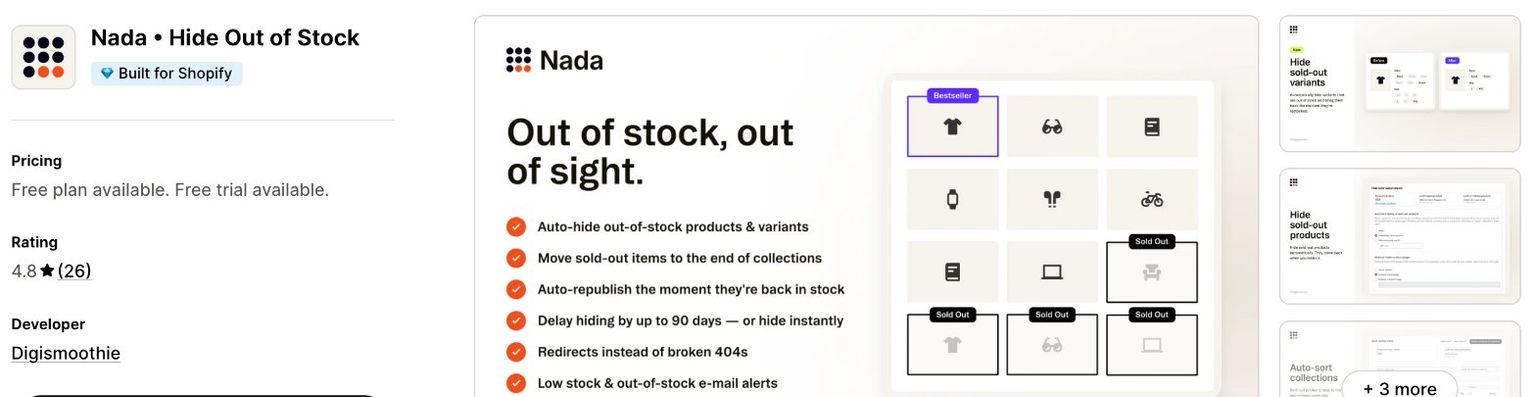
Best for: hiding sold-out sizes and colors as well as pushing products down.
Nada, by Digismoothie, moves sold-out products to the end of collections and hides sold-out variants on product pages. Its listing banner says hiding can wait up to 90 days, hidden products redirect instead of showing a 404 page, and it sends low-stock and out-of-stock emails. Its listing doesn't name the sort orders it supports.
- Rating: 4.8 from 26 reviews. Built for Shopify. Launched February 2021.
- Plans: Free only for trial and development stores. Starter $4.99/month for 100 products, Growth $9.99 for 1,000, Scale $19.99 for 10,000. 7-day free trial and a 60-day money-back guarantee. (Shopify App Store)
- Limits: no free plan for a live store, and tied with Sink as the most expensive option at about 10,000 products.
7. Pushy | Push Down Out Of Stock
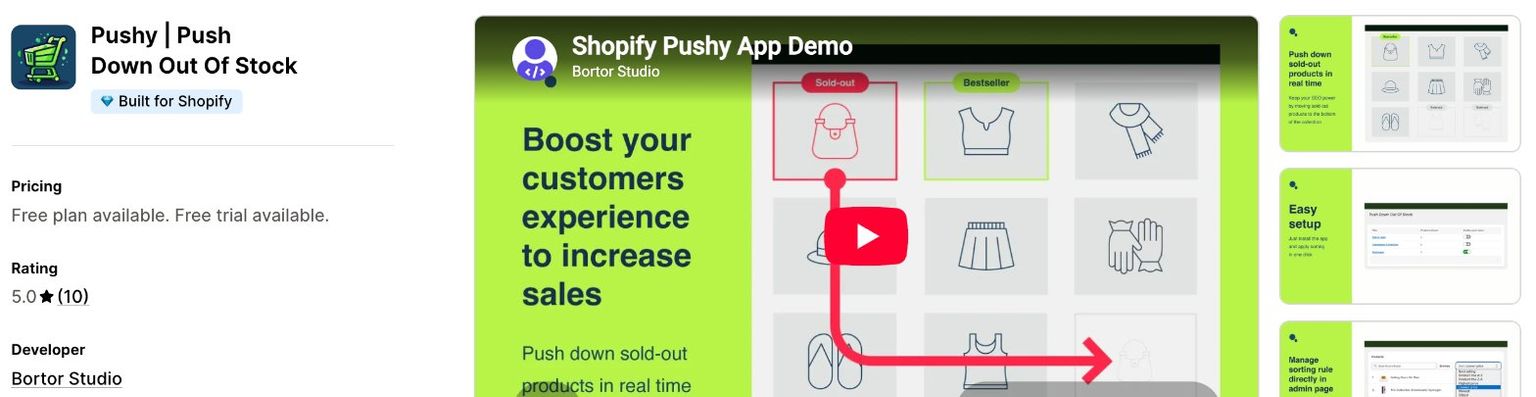
Best for: stores that only want push down.
Pushy, by Bortor Studio, only pushes down and never hides a product, so there are no dead URLs or redirects to manage. Restocked products return toward their original position, products that continue selling as pre-orders are left in place, and you can enable every collection at once.
- Rating: 5.0 from 10 reviews. Built for Shopify. Launched March 2024.
- Plans: Free for 5 collections. Essential $3.99/month for 25, Premium $7.99 for 100, Ultimate $14.99 for 5,000 collections. 7-day free trial. (Shopify App Store)
- Limits: no hiding, redirects or alerts.
8. PushLast Out of Stock Sold Out
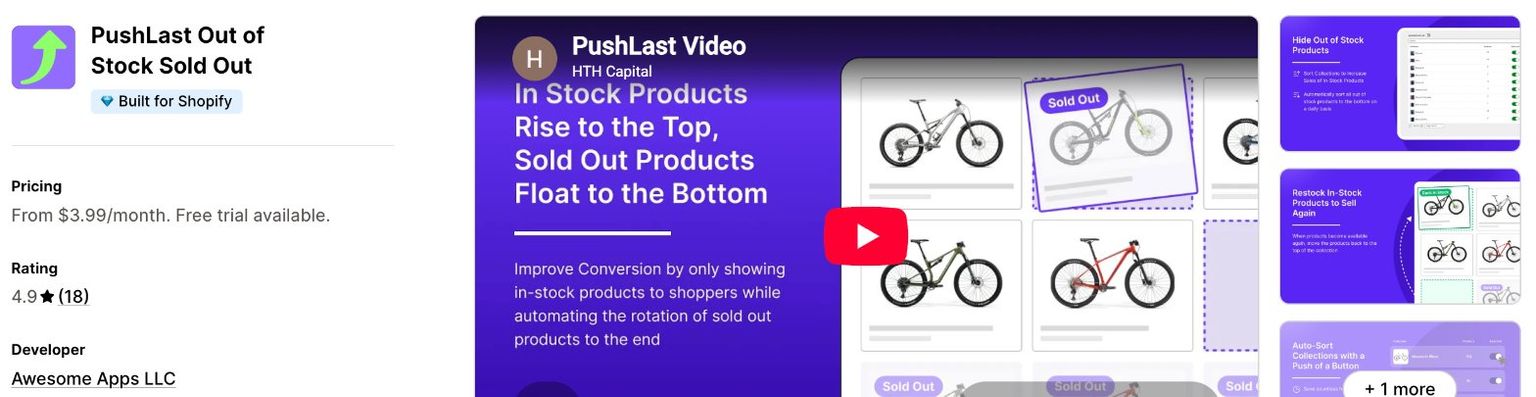
Best for: small stores that want the cheapest paid plan.
PushLast, by Awesome Apps LLC, sorts products in real time and puts in-stock products first. Its listing says it moves restocked products "back to the top", rather than back to their old position.
- Rating: 4.9 from 18 reviews. Built for Shopify. Launched May 2020.
- Plans: $3.99/month for 1,000 products, $9.99 for 10,000, $19.99 for 100,000. 14-day free trial. (Shopify App Store)
- Limits: no free plan, and it only pushes down.
Side-by-side comparison
App | Rating | Free plan | 1,000 products | ~10,000 products | In-stock sort order | Hide and redirect | Stock alerts |
|---|---|---|---|---|---|---|---|
Redsun: Out of Stock Manager | 5.0 | 50 products | $7.99 | $7.99 | Best selling, name, price, dates, manual; Most relevant in the app (not on listing) | Yes | Yes |
MB Push Down Hide Out of Stock | 4.7 | 50 products | $8.99 | $13.99 | Best selling, price, date, manual | Yes | No |
StockIQ | 4.9 | 49 products (real time is a paid add-on) | $11.99 | $16.99 | Not stated | Hide | Yes, plus Notify Me |
Sink | 5.0 | 5 collections | $7.99 | $19.99 | Best selling, title, price, manual | Hide | No |
Hide Out Of Stock & Push Down | 5.0 | 25 products | $8.95 | $13.95 | Not stated | Yes | Yes |
Nada | 4.8 | Dev stores only | $9.99 | $19.99 | Not stated | Yes | Yes |
Pushy | 5.0 | 5 collections | $7.99 | $14.99 | Returns restocks toward their original position | No | No |
PushLast | 4.9 | No | $3.99 | $9.99 | Not stated; restocks go to the top | No | No |
Prices are monthly, for 50 collections at 1,000 products and 200 collections at about 10,000 products, from each listing on October 17, 2026. "No" and "Not stated" mean the listing doesn't mention it, not that the app can't do it.
How to test a push-down app in 15 minutes
Every app here has a free plan or a free trial, so test before you commit:
- Pick one collection with a mix of in-stock and sold-out products, and note the order of the first row.
- Turn on push down for that collection only, then check the storefront. Sold-out products should be at the end.
- Sell out a test product by setting its inventory to 0, and check that it drops within a minute or two.
- Restock it and check that it returns to where it was, not just to the top.
- Check the edge cases you care about: a product with one sold-out size, and a product set to continue selling when out of stock.
- Turn push down off and check what sort order the collection is left with.
If shoppers still aren't buying once your collections are clean, the problem may be further along. Our guide to why your Shopify conversion rate is low shows how to find the step that's leaking.
Push down out-of-stock apps: FAQ
Can Shopify push sold-out products to the bottom without an app?
Not automatically. None of Shopify's collection sort options take stock into account. You can drag sold-out products to the end of a manually sorted collection yourself, but you'd have to redo it every time stock changes.
Is it better to push down or hide out-of-stock products?
For products that are coming back, push down. The page stays live for Google and for shoppers who search for it, and it moves back to its place when it's restocked. Hide or redirect products you won't restock. Our guide to keeping, hiding or redirecting out-of-stock products explains how each choice affects Google and AI shopping.
Do push-down apps slow down my store?
They shouldn't. A push-down app changes the order of products in your collections from the Shopify admin side, so it doesn't need to add code to your storefront for that. Apps that add storefront features, such as a Notify Me form, do load something on your product pages.
Will a push-down app change my collection's sort order?
Yes. Shopify only lets apps reorder manually sorted collections, so an app that pushes products down switches each collection it manages to manual sort. Choose an app that can rebuild the order you want for in-stock products, such as Best selling or Most relevant, and turn push down off before uninstalling.
What's the best free app to push down out-of-stock products?
It depends on your store. For up to 50 products in up to 100 collections, Redsun's and MB's free plans cover push down plus hiding. For a few large collections, Sink's free plan pushes down in 5 collections with no product limit.